AI Creator Suite

Turn every episode into an entire content campaign.

From transcription and show notes to social clips, captions, chapters, titles, and promotional content—MyPodOps AI handles the repetitive work so you can focus on creating.
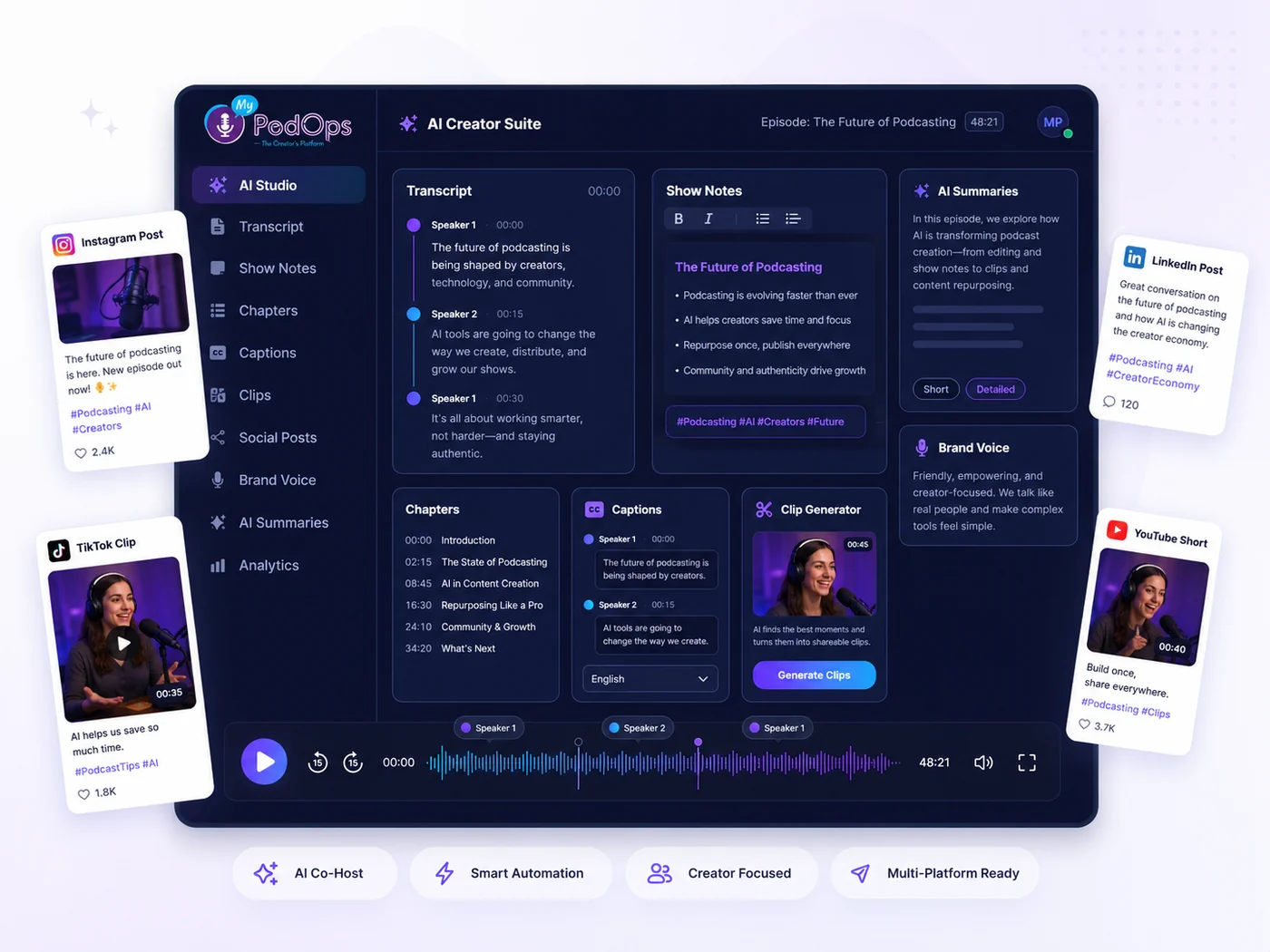
MyPodOps AI Creator Suite dashboard turning one episode into transcripts, show notes, clips, captions, and social posts
AI Tools

Powerful AI tools for creators

Everything you need to create, repurpose, and promote your podcast content—automatically.

AI Transcription

High-accuracy transcripts with speaker labels, timestamps, and multi-language support.
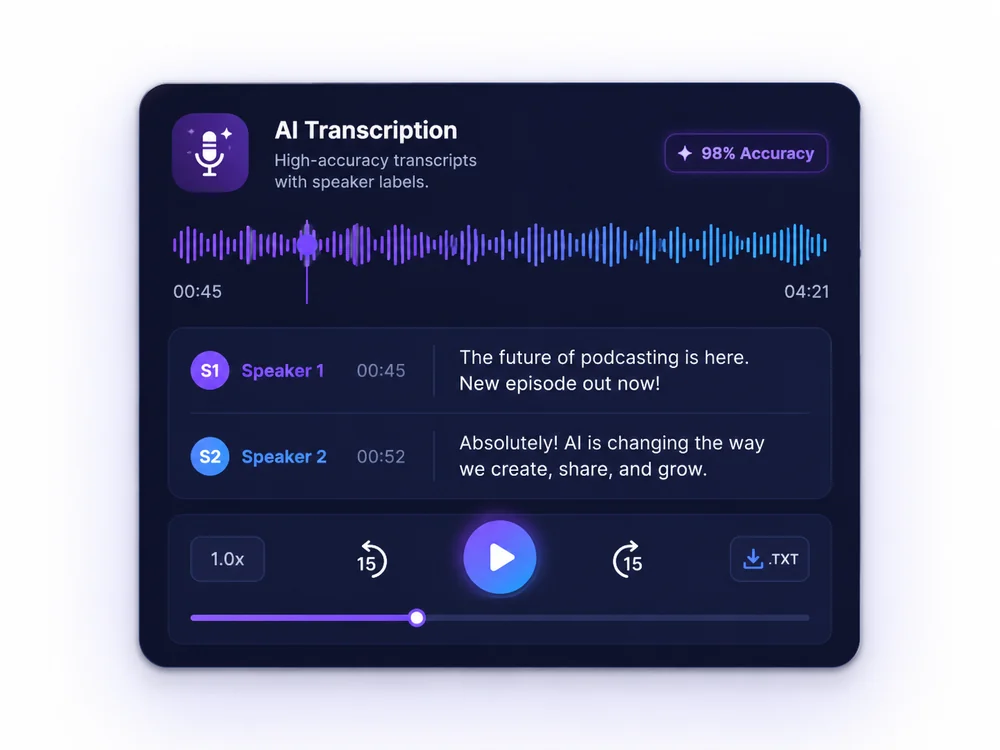
AI transcription with speaker labels and 98% accuracy

AI Captions

Generate synced captions for videos and clips. Customize styles, animations, and layouts.
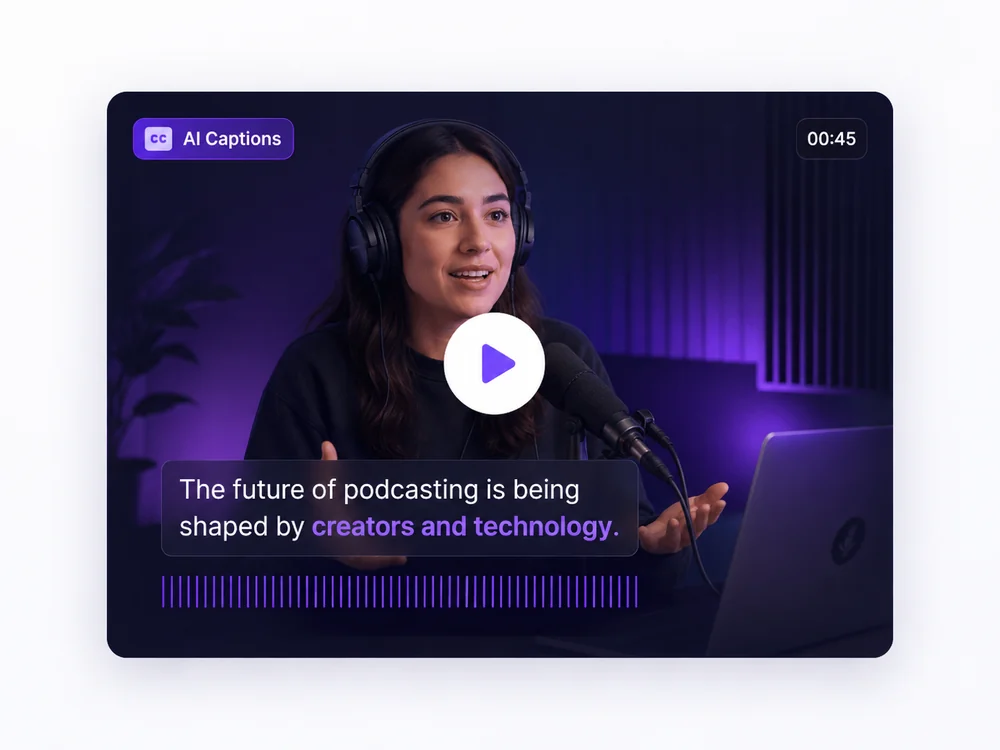
AI-generated animated captions synced to your audio

AI Show Notes

Automatically create summaries, takeaways, timestamps, links, and calls to action.
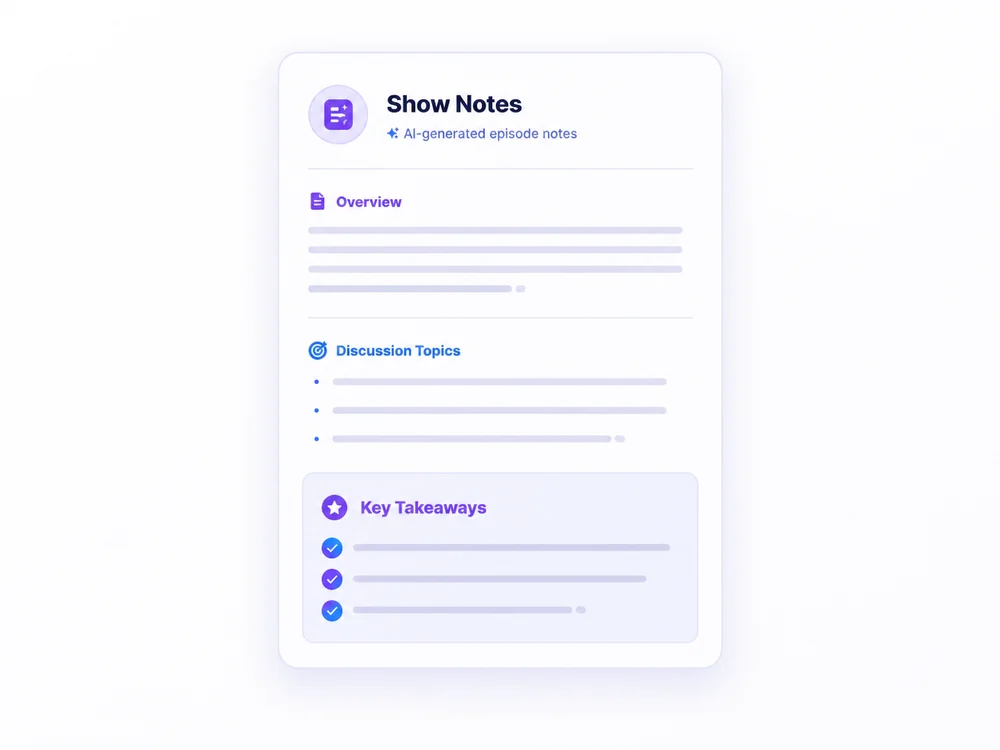
AI-generated show notes with summary and key takeaways

AI Social Clips

Find the best moments and turn them into vertical clips with captions, ready for TikTok, Reels, and Shorts.
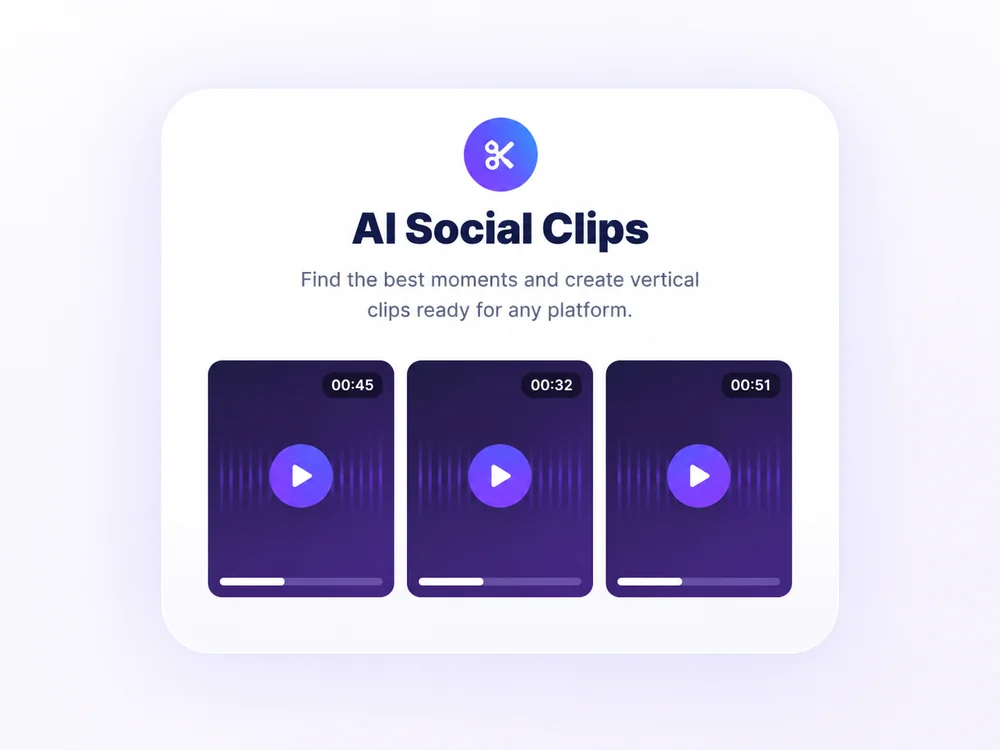
AI social clips — vertical highlights ready for any platform

AI Titles & Descriptions

Generate compelling titles, descriptions, keywords, and promotional copy tailored to each episode.
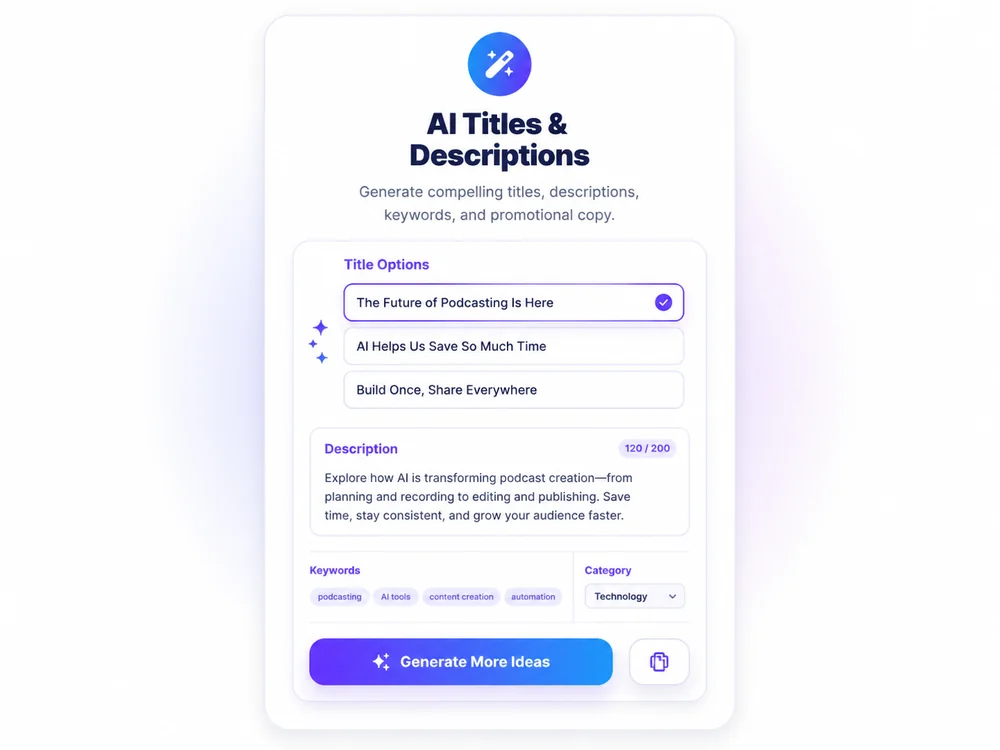
AI-generated episode titles and descriptions

AI Chapters & Summaries

Create chapters, highlight key moments, and generate concise episode summaries.
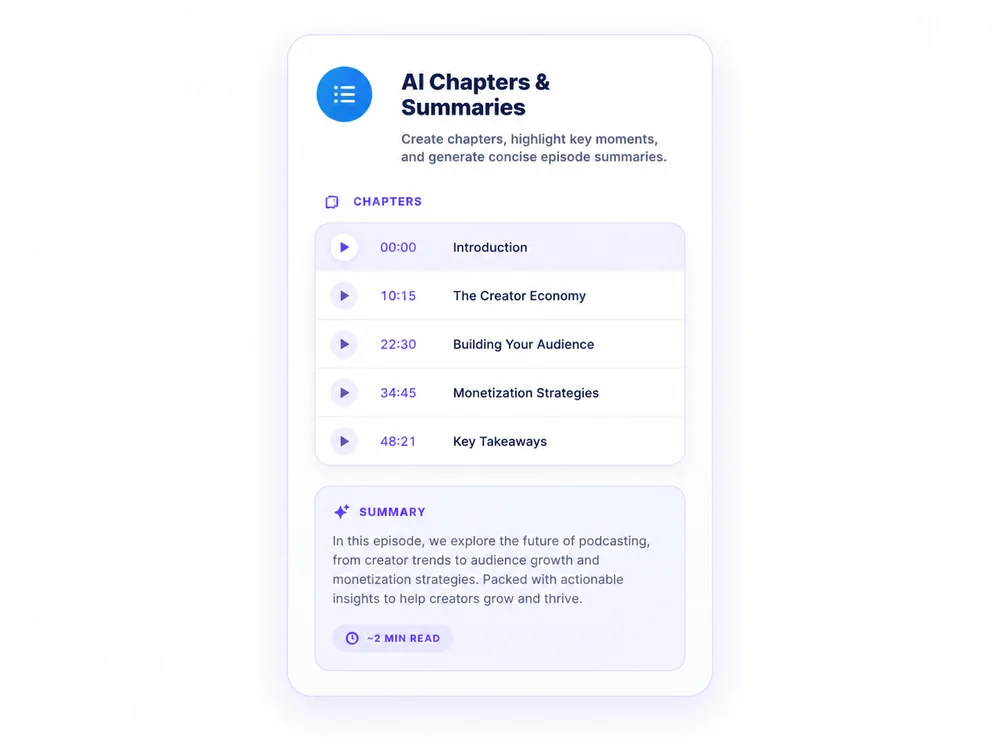
AI-generated chapters and episode summaries
Clip & Share

Create shareable clips automatically.

AI finds the most engaging moments and turns them into platform-ready clips in seconds.
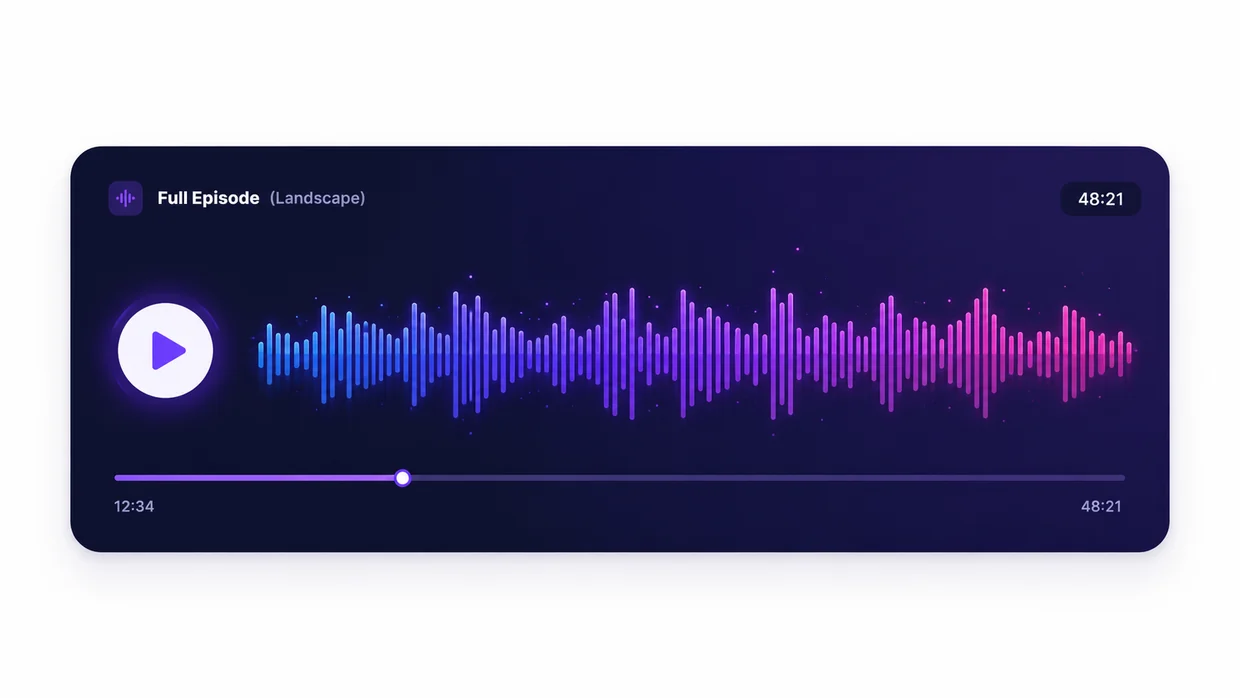
Auto-detect highlight moments
Add captions and branding
Choose aspect ratio & layout
Export to any platform
Full Episode (Landscape)
Full episode landscape player from MyPodOps
AI Generated Clips (Vertical)
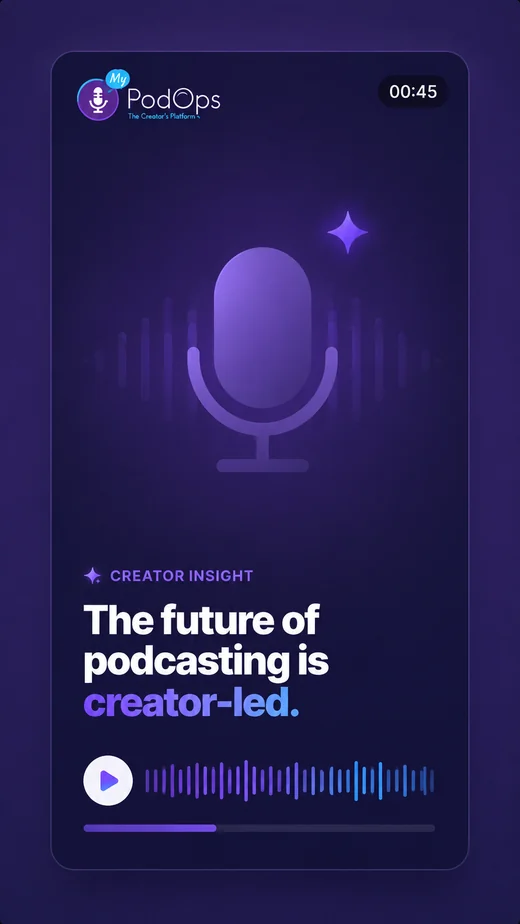
Vertical social clip: the future of podcasting is creator-led
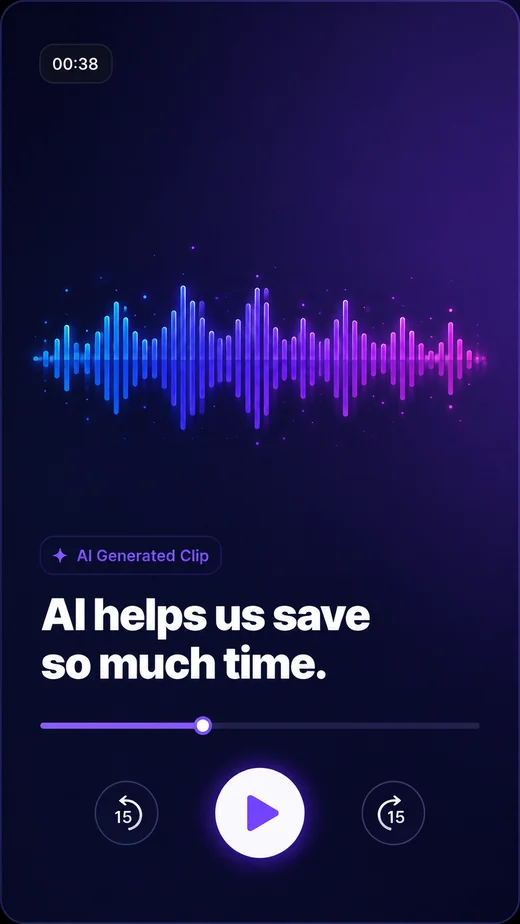
Vertical social clip: AI helps us save so much time
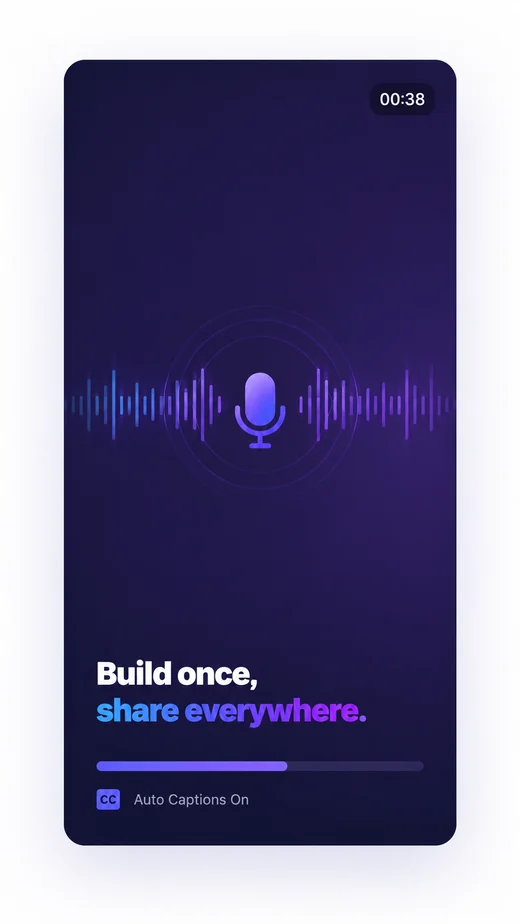
Vertical social clip: build once, share everywhere
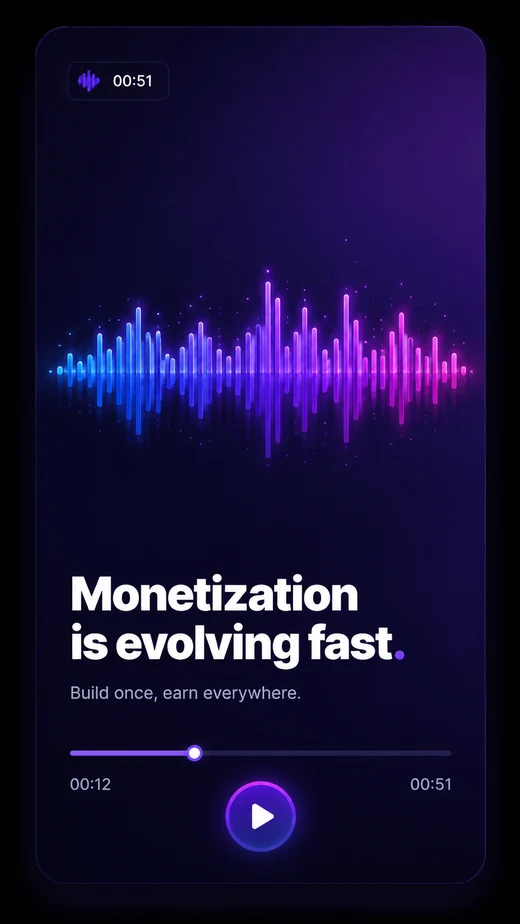
Vertical social clip: monetization is evolving fast
Bold · Classic
Export Clips
AI Workflow

One episode. Many outputs.

1

Upload or Record

Record in Studio or upload an audio/video file.

2

AI Processes

Transcribe, analyze, and understand your content.

AI
3

AI Generates

Clips, notes, captions, chapters, posts, and more.

4

Review & Publish

Customize, approve, and publish to your audience everywhere.

Built into Studio

No exporting.
No switching tools.

Everything happens inside MyPodOps. Record in Studio and instantly access AI tools, the editor, hosting, and promotional features.

Your Voice, Your Brand

AI that sounds
like you.

Train and customize AI output to match your brand voice and content goals.

Tone of VoiceConversational
AudiencePodcast Listeners
Content RoleHost
Caption StyleBold, Animated
Brand Colors
Call to ActionListen now on MyPodOps
Boo Boo the MyPodOps pug mascot wearing headphones

Let AI do the repetitive work.
You create what matters.

Save hours every week and turn every episode into more reach, more engagement, and more growth.

Frequently asked questions

Common questions about the AI creator suite.

What can the AI creator suite do?
It transcribes episodes, removes filler words and silences, generates chapters and show notes, and creates short social clips.
Does it transcribe my episodes automatically?
Yes, it produces accurate, timestamped transcripts you can edit by clicking any word.
Can it make clips for social media?
Yes, it finds highlight moments and renders captioned, branded vertical clips for TikTok, Reels, and Shorts.
Will it write show notes?
Yes, it generates episode summaries, key points, and topics you can copy into your description.
{ "AcceptRanges": "bytes", "LastModified": "2026-08-15T19:47:17+00:00", "ContentLength": 34457, "ETag": "\"57102f17841ef3bcbf7030434c5674e4\"", "ChecksumCRC64NVME": "5dn7TgT5JZs=", "ChecksumType": "FULL_OBJECT", "VersionId": "N7exy.BbLovAxH5XPa3SzGrNz3qFs04n", "CacheControl": "no-cache, no-store, must-revalidate", "ContentType": "text/html", "ServerSideEncryption": "AES256", "Metadata": {} } { "AcceptRanges": "bytes", "LastModified": "2026-08-16T00:05:53+00:00", "ContentLength": 36245, "ETag": "\"27b4857669fa6399b7433927b9b558e2\"", "ChecksumCRC64NVME": "NRF93TwR/Ns=", "ChecksumType": "FULL_OBJECT", "VersionId": "Blo6UPjrAD8PB35GkVEBEw_3TeKjC4Ep", "CacheControl": "no-cache,no-store,must-revalidate", "ContentType": "text/html", "ServerSideEncryption": "AES256", "Metadata": {} } { "AcceptRanges": "bytes", "LastModified": "2026-08-16T00:14:25+00:00", "ContentLength": 36676, "ETag": "\"e8d8aed9c605d767a3e620a6d27711a4\"", "ChecksumCRC64NVME": "0rerWA2MpAI=", "ChecksumType": "FULL_OBJECT", "VersionId": "ZqsdN6zRsdixWo6ZoT9mqF3g5RCyRxq6", "CacheControl": "no-cache,no-store,must-revalidate", "ContentType": "text/html", "ServerSideEncryption": "AES256", "Metadata": {} } { "AcceptRanges": "bytes", "LastModified": "2026-08-16T00:32:52+00:00", "ContentLength": 38542, "ETag": "\"d7b65cdfd07266a96ee5f34412865103\"", "ChecksumCRC64NVME": "AembxQcLrJQ=", "ChecksumType": "FULL_OBJECT", "VersionId": "6VhS7_4NENyCUe1kNvBnMXNZgHxG.yGx", "CacheControl": "no-cache,no-store,must-revalidate", "ContentType": "text/html", "ServerSideEncryption": "AES256", "Metadata": {} }