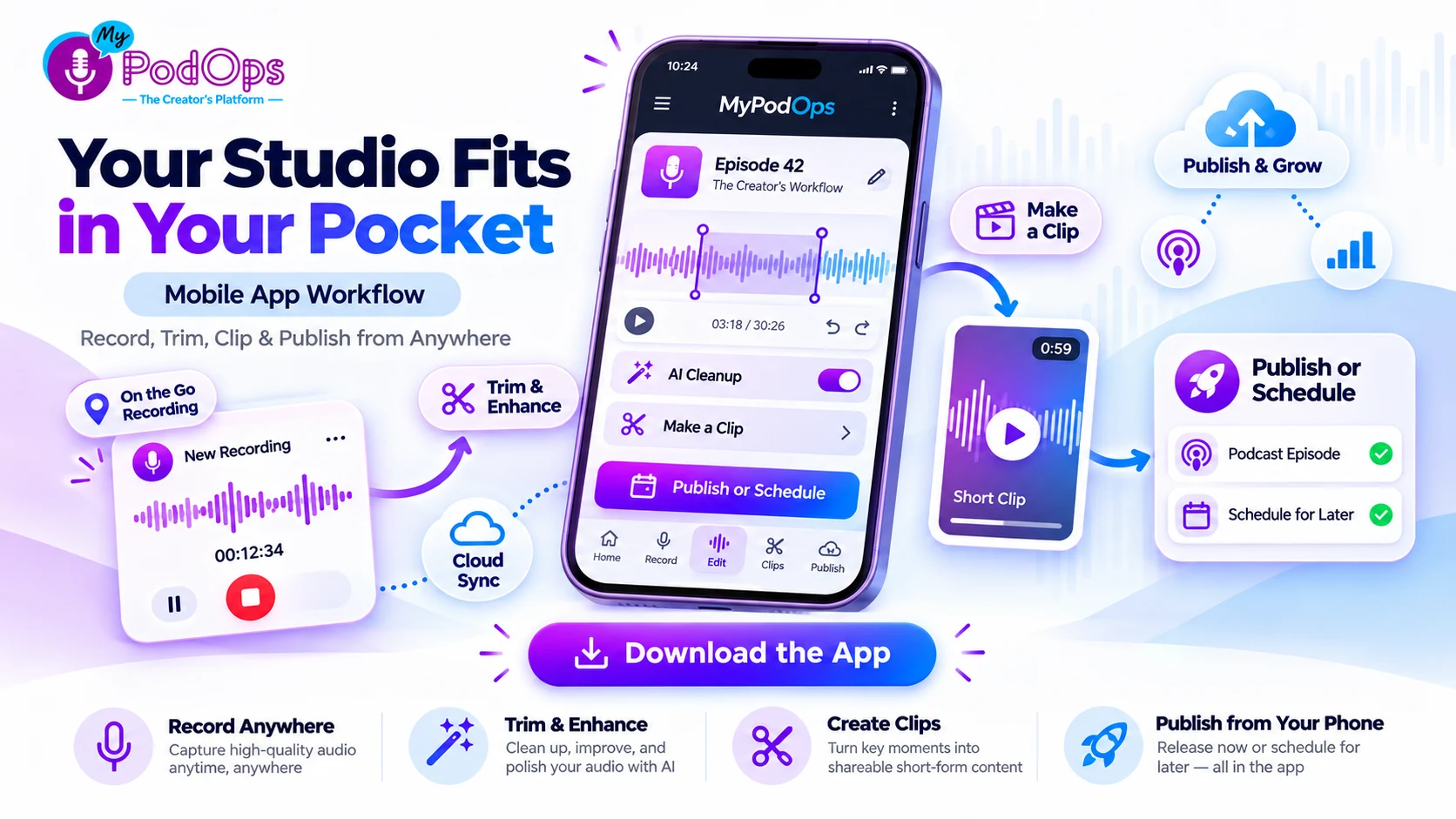
One Platform, Start to Finish: The Working Creator Series. Week 3 of 12. Last week: record a remote episode that sounds like you were in the same room.
Most episodes do not die in the recording. They die in the handoffs afterward.
You record something good while you are away from your desk, after an event, in a parked car, in a hotel room, or the moment an idea is actually fresh. Then the recording has to get from your phone to your computer, into an editor, back out of the editor, into your host, and eventually into whatever you use to make clips.
None of those steps is particularly difficult. Together, they are exactly why a twenty-minute recording can sit unfinished for a week.
Last week we covered remote recording with a guest: separate tracks, a browser-based invite, cloud backup, and the five-minute setup that gives you better audio before editing ever begins.
This week is what happens when the whole workflow stays with you. Record. Clean it up. Trim it. Make the clip. Publish or schedule it. Without waiting until you get back to your desk.
The one idea: finish it where you started it
Every handoff costs momentum. Phone to laptop. Laptop to editor. Editor to host. Host to clip maker. Clip maker back to your phone so you can post it.
The problem is not that any one of those tools is hard to use. The problem is that every transfer creates another place to stop.
The better workflow is simple: keep the episode in one place from the moment you record it until the moment it is ready for listeners.
That is what makes mobile useful for a creator. Not merely that you can record on a smaller device, but that you can keep moving after you press stop.
MyPodOps is built around that idea: record and edit on mobile, use AI tools while the episode is still in front of you, and publish from the same platform instead of assembling the workflow from separate apps.
Start with a recording worth finishing
A phone can record excellent audio. What it cannot do is repeal acoustics. A bare kitchen, a phone sitting six feet away, an air conditioner behind you, or notifications firing while you talk will still sound like exactly what they are.
So give yourself one minute before you start.
A parked car is one of the best recording booths most people already own. A carpeted bedroom, a hotel room with the curtains closed, or a closet full of clothes can also sound surprisingly good, because soft surfaces absorb the reflections that make speech sound distant and hollow.
Get the device close enough that you do not have to project your voice toward it. Then record ten seconds and listen back. If you hear more room than voice, fix it now. That ten-second check is worth more than ten minutes of cleanup later.
The one-minute mobile recording checklist
Save this one. Before you record a solo episode away from your desk:
- Turn on Do Not Disturb. Calls, notifications and alerts do not belong in the episode. If you need emergency contacts to get through, configure those exceptions before you start.
- Check your battery. Recording is only the beginning. Editing, enhancing and rendering media all use power too.
- Make sure you have room. Leave enough storage for the recording and whatever files the workflow creates afterward.
- Close what you do not need. Give the recording your attention and your device's resources. Stop unnecessary streaming, uploads and background activity.
- Get the microphone close and keep the device still. Changing your distance from the mic changes your sound. Handling the device introduces noise that is difficult to hide later.
- Use headphones for the playback check. Listen to what you actually captured, not what you remember hearing in the room.
- Put your notes where you can see them. Paper works. So does keeping your outline accessible without bouncing between half a dozen apps while you record.
Then press record and stop thinking about the technology.
After you press stop, do not leave the episode
This is where mobile changes the workflow. Normally, pressing stop is when the episode becomes a future task. Instead, stay with it for a few more minutes.
Trim the obvious edges
Remove the few seconds where you were getting settled at the beginning. Remove the part at the end where you reached for the controls. Those two cuts immediately turn a recording into something that feels intentional.
Fix what you already know is wrong
If you stumbled over a sentence and immediately said it again, you already know where the mistake is. Fix it now. Today it takes seconds. Next week you will be scrubbing through the recording wondering where it happened.
Enhance, then actually listen
Use the available cleanup and enhancement tools, then listen back at normal volume. Do not judge the result from a waveform. Use your ears.
AI cleanup is useful for reducing noise and polishing a recording, but it works best when the source was already decent. It should improve the recording you made, not become the plan for rescuing one you did not check.
If the episode needs a much deeper edit, leave that for Week 4. This mobile pass is about getting a good solo episode ready to publish while the recording is still fresh.
Make the clip before you forget the moment
Immediately after recording, you know where the best moment was. You felt it when you said it. That is the easiest time to turn it into a clip.
Choose the moment while the episode is still open, create the short-form version, add the captions or finishing touches you need, and get the promotional asset ready before you move on.
This changes the way clipping feels. Instead of becoming another marketing task you have to remember three days later, it becomes part of finishing the episode. The episode and the promotion leave the same workflow together.
Publish when the episode should go live, not when you happen to finish it
Recording away from your desk usually means recording at strange times. That does not mean your audience should suddenly receive an episode because you finished it at 11:47 p.m.
When the episode is ready, give it the title and description it needs and publish it, or schedule it for the time your audience expects it.
That is the real benefit of having the workflow with you. You are not choosing between spontaneity and consistency. You can capture the idea while it is fresh and still release it on your normal schedule.
Your desk should be optional, not required
There will always be episodes that deserve a bigger editing session. A complicated interview may need transcript work, detailed cuts, chapters, show notes, or more time with the audio. That is fine. Week 4 is about exactly that workflow.
But every episode should not require you to sit down at a computer simply because the software you need is scattered across different places. A short solo episode should be able to move from idea to published episode without becoming a file-transfer project.
That is the difference between having tools on your phone and having a workflow on your phone.
Where MyPodOps fits
The MyPodOps mobile app is designed to keep that workflow together. You can record and edit on mobile, use AI-powered creator tools, create content around the episode, and publish from the same platform. The app is available on iPhone, iPad and Android, while your work stays connected with the rest of MyPodOps.
The Studio workflow from last week lives in that same ecosystem. A guest can join from the link you send them, while your creator workflow stays inside MyPodOps. Your guest session and your solo recording do not have to end up in completely different systems.
Once the recording is finished, the episode is already where the next work happens. Edit it. Create the clip. Publish or schedule it. Then check your downloads and performance without having to move the episode through a chain of unrelated tools.
That is the point of One Platform, Start to Finish. The workflow should follow the creator, not force the creator to keep returning to the workflow.
Try the whole loop once
Pick one short solo episode this week. Do not make it your most important episode of the year. Make it something useful you can record in fifteen or twenty minutes.
Run the setup checklist. Record it away from your desk. Stay in the app after you finish. Trim it. Enhance it. Create one clip. Publish it or schedule it. Then stop.
You just took an episode from idea to finished content without building a pile of files to deal with later. Do that once and your desk stops being the bottleneck for everything you create.
Download the MyPodOps app for iPhone or iPad or Android, and take one episode from recording to publishing on a 7-day free trial.
Next week: the deeper editing pass. How to edit in an hour what used to take a day, with cleanup, transcripts, chapters, show notes and the rest of the AI Creator Suite.