One Platform, Start to Finish: The Working Creator Series. Week 4 of 12. Last week: your studio fits in your pocket.
Editing is where good episodes go to wait.
Not because the work is hard. Because the old way of doing it is slow in a very specific way: you press play, you listen at the speed of the recording, you stop, you rewind, you cut, you listen again to check the cut, and an hour of audio quietly eats an afternoon.
Last week was the quick mobile pass: trim the edges, fix what you already know is wrong, make the clip, publish. That pass is for getting a good solo episode out while it is still fresh.
This week is the deeper pass, for the episodes that deserve one. Interviews. Panel shows. Anything where the structure matters and the mistakes are not marked in your memory.
The trick is not working faster. It is changing what you edit.
Edit the words, not the waveform
A waveform tells you where sound happened. It does not tell you what was said.
A transcript does.
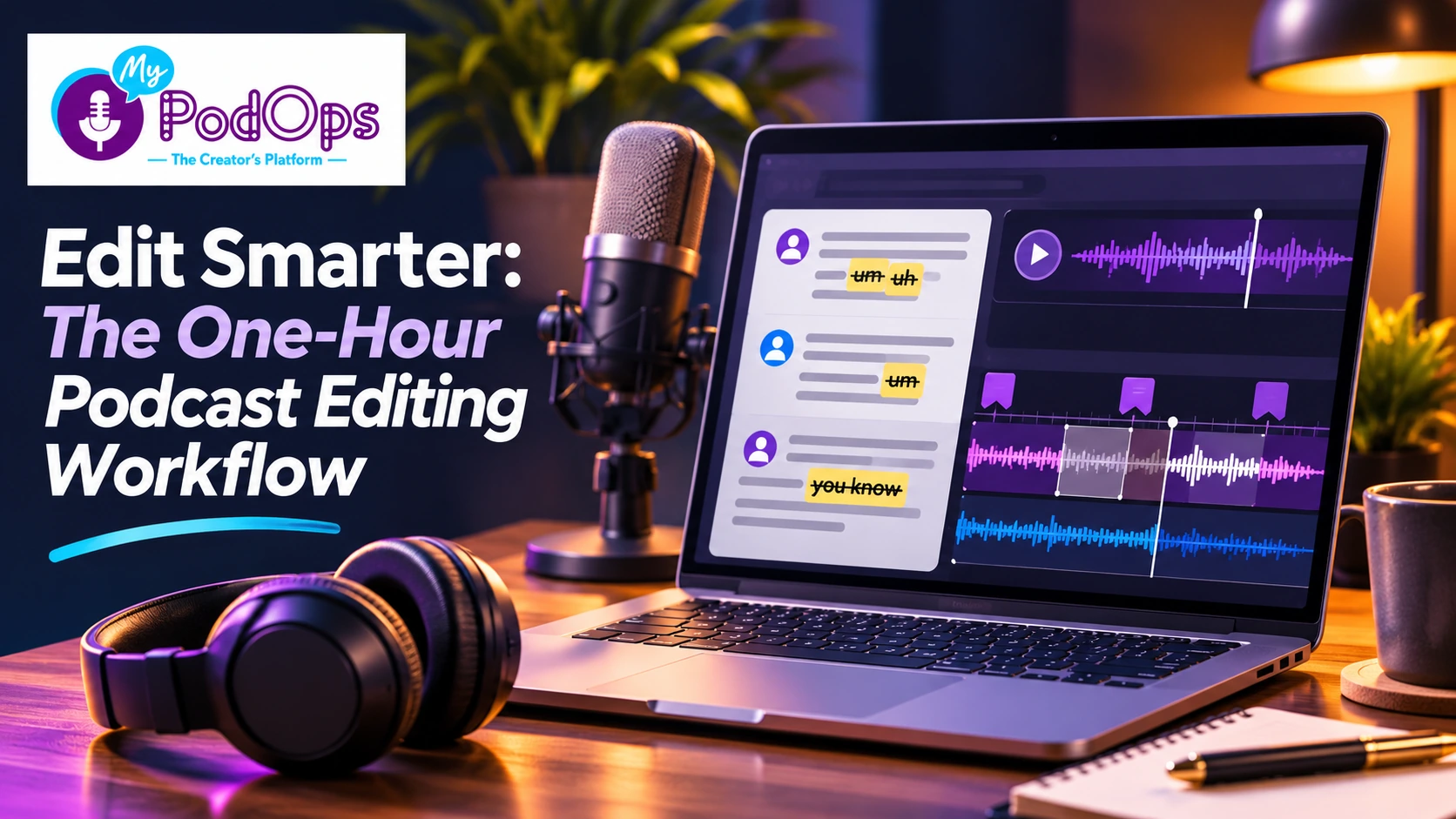
When the episode is transcribed, with speakers labeled and timestamps attached, editing stops being a listening exercise and becomes a reading one. You can skim an hour of conversation in minutes. You can see the tangent instead of hunting for it. You can find the exact sentence where the guest finally said the thing the episode is about, because it is written on the page.
So the first move in a one hour edit is not pressing play. It is reading.
Read the transcript and mark three things:
- The keeper moments. The lines the episode exists for. Everything else is judged against these.
- The obvious cuts. Repeated questions, false starts, housekeeping chatter, the five minutes where everyone was finding the real topic.
- The structure problems. A great answer that arrived too early, a story that needs its setup moved closer to it.
Use the transcript to identify the sections you want to change, then review the corresponding audio in the editor. By the time you press play, you are checking an edit, not searching for one.
The one hour edit clock
Save this one. It is the giveaway version of the whole post.
Think of this as a 60-minute editing challenge, not a rigid deadline. Complex episodes may need additional time.
- Minutes 0 to 10: read and mark. Skim the transcript, mark keepers, cuts and structure problems. Do not cut anything yet.
- Minutes 10 to 25: make the big cuts. Remove the marked sections. Whole tangents, whole repeats, whole dead ends. Big cuts first, because polishing a section you later delete is the most common way editing eats an afternoon.
- Minutes 25 to 35: run the cleanup pass. Filler words and long silences. Then listen to the joins, the places where two pieces of audio now sit next to each other, at normal volume, with your ears and not your eyes.
- Minutes 35 to 45: build the scaffolding. Chapters where the topic changes, show notes from what actually survived the edit, a title that describes the finished episode rather than the one you planned.
- Minutes 45 to 55: check the AI work. See the next section. This is the step people skip, and it is the step that makes the other 45 minutes safe.
- Minutes 55 to 60: export, publish or schedule. Done is a decision you make at the top of the hour, not a feeling you wait for.
Let cleanup do the boring parts
Some editing work is judgment. Most of it is not.
Nobody's creative contribution is manually trimming every long pause, or hunting down every filler word in an hour of speech. That is repetition, and repetition is exactly what you hand to a tool.
Run the cleanup: take out the fillers, tighten the silences. With separate speaker tracks, you have more flexibility to make adjustments without affecting the entire conversation.
Then listen. Cleanup improves a decent recording; it does not rescue a bad one, and it can overdo it if you let it run unchecked. If the audio sounds processed, back it off. Your ears are the quality control, and they only need to check the result instead of doing the work.
Check the AI work like an editor, not a fan
Here is the honest part of any AI editing workflow: the tools are fast, and fast is not the same as right.
A transcript can mishear a name, a product, a number. An automatic cut can remove the pause that made a line land. Show notes generated from your episode can describe the episode you meant to record instead of the one you did, especially if you cut a segment the notes still mention.
So check the work the way a good editor checks anyone's work:
- Names and numbers. Search the transcript for every person, company and figure mentioned, and fix the spellings once, everywhere.
- The joins. Listen to every place a cut was made, start to finish, at least once. A cut that reads cleanly can still sound abrupt.
- Anything a listener could quote. If a sentence could end up in a clip or a review, hear it in the audio, not just on the page.
- The notes against the final cut. Chapters, show notes and descriptions should match the episode that is actually publishing, including what was removed.
Ten minutes of checking is what turns an AI assisted edit from a gamble into a workflow. Skip it and you are not saving time, you are borrowing it from your listeners.
The words around the episode are part of the edit
An episode is not finished when the audio is clean. It is finished when a listener can find it, understand what it is about, and move through it easily.
That scaffolding is also editing work, and it is also slower by hand than it needs to be:
- Chapters at the real topic changes, so listeners can navigate and return to the part they wanted.
- Show notes written from the final version of the episode, in your voice. Brand voice training exists for exactly this: the notes should sound like you on a good day, not like a template.
- Titles and descriptions that describe the finished conversation. Draft several, pick the clearest, and make sure the keywords match what a listener would actually search for.
- Clip-worthy moments noted while the episode is open, so next week's work, turning one episode into a week of reach, starts with the moments already identified.
None of this requires a separate app for each task. It requires the transcript, the editor and the publishing tools to be looking at the same episode, which is the whole point of doing this inside one platform.
Where MyPodOps fits
MyPodOps brings podcast production, AI-powered content tools, and publishing together in one connected platform.
The AI Creator Suite helps turn recorded conversations into useful production assets, including transcripts with speaker labels and timestamps, episode summaries, show notes, chapters, titles, descriptions, and promotional clips.
Instead of manually starting every task from scratch, creators can use AI to prepare the first pass, then review and refine the results. Brand-voice customization helps keep generated content consistent with the way you communicate with your audience.
The goal is not to remove the creator from the editing process. It is to reduce repetitive production work so you can spend more time making creative decisions.
And when the episode is ready, MyPodOps connects that work with the hosting and publishing tools you already use.
One platform, from recording to release.
Try the clock once
Pick one episode that has been sitting unedited, ideally an interview you have been putting off.
Set a timer for one hour.
Read first. Cut big. Clean up. Build the scaffolding. Check the work. Publish or schedule it when the timer ends.
Then look at what the hour actually bought you, and what still genuinely needs a longer session. For most episodes, the honest answer is: less than you feared.
One note on plans: the complete workflow in this post, transcripts, chapters, show notes and clips, is part of the Creator AI suite. Starter includes a lighter set of AI tools, so check the plan details for the features you need.
Try the full edit on one episode with MyPodOps on a 7-day free trial.
Next week: one episode, a week of reach. How to find the clip worthy moments, make captioned vertical clips, and turn episode pages into listener growth.